Upgrading your office’s electrical system often arises from common challenges. For instance, you might notice that the switchboard trips when multiple devices, such as the kettle, printer, and heater, are used at the same time. You may also find that there aren’t enough power points at workstations, resulting in power boards being daisy-chained together. This guide explores the critical components of a commercial electrical upgrade for your office, outlining what your electrician should assess before commencing work and the documentation you should receive upon project completion.
Electrx Electricians (REC 31135) collaborates with businesses across Melbourne’s western suburbs. Our services span various locations, from the bustling retail districts of Yarraville and Footscray to the industrial hubs in Brooklyn and Altona North, as well as new fit-outs in Point Cook and Werribee. Our commercial electricians customise office upgrades based on your team’s daily power consumption.

How Can You Tell When Your Office Needs an Electrical Upgrade?
If your office now accommodates more equipment than it did during its initial setup—such as extra laptops, additional monitors, chargers, a server cupboard, or a staff kitchen—the existing wiring and switchboard might not be sufficient.
Here are some key indicators we evaluate when a business contacts us for an office electrical upgrade:
- Circuit breakers or safety switches that frequently trip during peak usage
- Power boards connected to other power boards due to a lack of available power points
- Lights that flicker or dim when equipment is powered on
- An outdated switchboard featuring ceramic fuses or lacking the capacity for new circuits
- Data cables that are unsecured on the floor or taped along skirting boards
Even one indicator from this list warrants a professional assessment. If multiple signs are present in your office, it is likely that the electrical system is overstretched.
Essential Components of a Comprehensive Office Electrical Upgrade
A commercial electrical upgrade for an office encompasses a range of modifications tailored to the specific requirements of the building and its operations. Some offices may only need additional power points and a dedicated circuit for the kitchen, while others might require a complete switchboard replacement, new circuits, and data cabling installed throughout the ceiling prior to a fit-out. Here are common upgrades:
- Switchboard Upgrade: replacing an outdated or overloaded switchboard to accommodate the required circuits for your office, complete with safety switch protection.
- New Circuits and Power Points: installing additional power points in desks, meeting rooms, and kitchens, as well as dedicating specific circuits for high-demand equipment.
- Surge Protection: protecting computers, phones, point-of-sale systems, and network devices from voltage spikes.
- Lighting: upgrading old fittings to energy-efficient LED lighting and incorporating motion sensors or timers in less frequently used areas.
- Data Cabling: installing network cabling to desks, printers, and wireless access points.
Why is Upgrading Your Switchboard Critical?
The switchboard plays a vital role as it determines how much power your office can use simultaneously and the number of available circuits. If your office’s switchboard is congested, still utilises ceramic fuses, or trips under increased demand, merely adding more power points will not resolve the problem. In such cases, prioritising a switchboard upgrade is typically essential, with new circuits designed accordingly. We also provide switchboard health checks, allowing you to assess the condition of your switchboard before proceeding with upgrades.
Why Implement Surge Protection for Office Equipment?
Offices heavily depend on equipment that is vulnerable to voltage fluctuations, including computers, phone systems, servers, and network devices. Our commercial surge protection solutions safeguard point-of-sale systems, network equipment, and sensitive electronics from unexpected power surges.
How to Evaluate Your Office’s Electrical Load?
Before providing a quote for an office electrical upgrade, your commercial electrician must assess the electrical load. This assessment includes cataloguing the equipment currently in use, considering any additional devices anticipated for future use, and verifying this against the switchboard and circuit capacities. If you plan to hire more staff, add another kitchen, or relocate a server into the office, inform your electrician, as these factors will influence the scale of the upgrade.
Conducting a load assessment also helps pinpoint specific issues. For example, a breaker that trips every afternoon may indicate an overloaded circuit rather than a switchboard at maximum capacity. Addressing the correct issue can significantly reduce overall upgrade costs.
How to Plan the Layout of Power Points, Lighting, and Data Points?
Once the electrical load is established, the electrician drafts a detailed plan for the office. An effective plan illustrates the current layout alongside the proposed modifications, clarifying what will change and what will remain unchanged.
- Current Electrical Layout:
- Locations of power points
- Existing light fittings
- Wiring paths
- Proposed Upgrades:
- New power points and circuits
- Updated light fittings
- Revised wiring routes and data points
By planning the locations of power points and data points concurrently, we can install cabling for both at the same time, minimising the need for repeated access to the ceiling and walls.
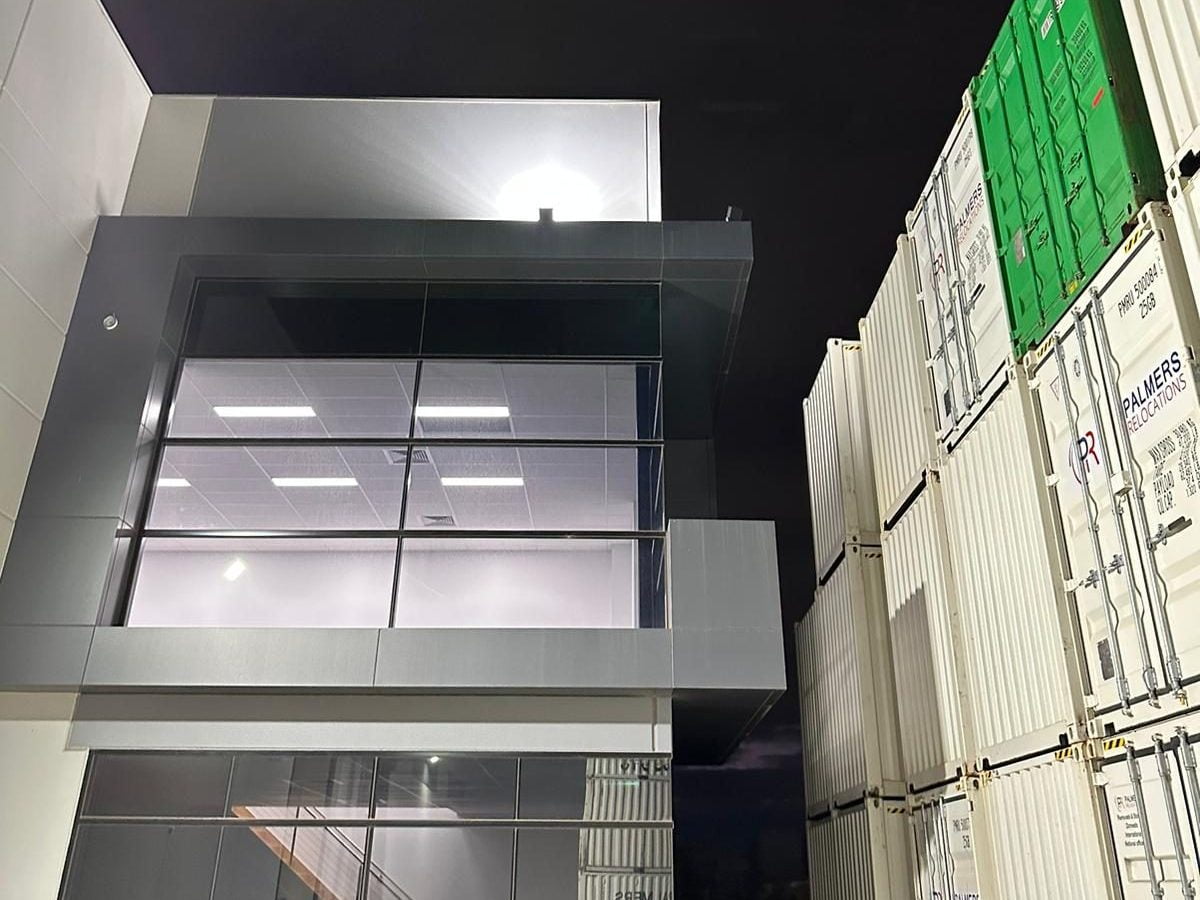
How to Create Energy-Efficient Office Lighting with Intelligent Controls?
Effective commercial lighting significantly enhances comfort in desks and meeting rooms. Upgrading outdated fittings to LED lighting, combined with the installation of motion sensors or timers in storerooms, restrooms, and meeting rooms, ensures lights are not left on in unoccupied areas.
For more precise control than what sensors and timers provide, smart automation can introduce dimming and scheduling features to your office lighting. We will explore the options that best suit your office size and how your staff interact with the workspace.
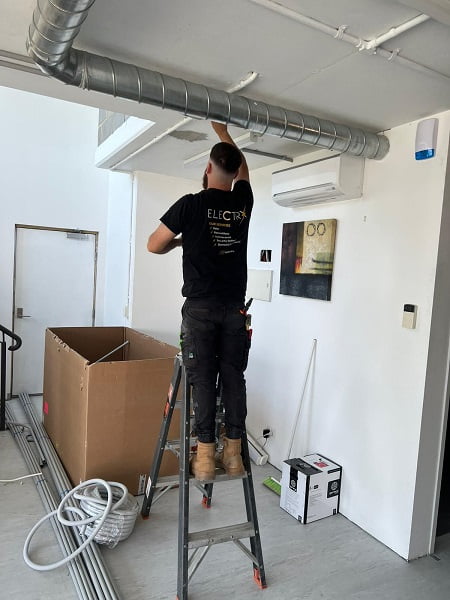
How to Establish Data Cabling and Network Points in Your Office?
Experiencing slow internet speeds, wifi dead zones, or cables strewn across the floor typically suggests that the office cabling was not installed correctly.
We specialise in running data and network cabling for businesses and clinics across Melbourne’s western suburbs. By managing the electrical work concurrently, our team can efficiently plan and install power points and data points for each workstation.
What are the Electrical Safety Regulations for Office Upgrades in Victoria?
In Victoria, all electrical workers must hold a licence from Energy Safe Victoria. An electrician must operate under a Registered Electrical Contractor (REC) to undertake tasks for clients (Energy Safe Victoria, Certificates of Electrical Safety for the community). Energy Safe Victoria strongly advises against individuals attempting their own electrical work. Always engage a registered electrical contractor and obtain a Certificate of Electrical Safety for any work completed (Energy Safe Victoria, Working with tradespeople).
What to Expect After Receiving Your Certificate of Electrical Safety Following an Office Upgrade?
A Certificate of Electrical Safety is an official document issued by a Registered Electrical Contractor or licensed electrician, detailing the electrical work performed. This certificate is mandated by the Electricity Safety Act 1998 and the Electricity Safety (General) Regulations 2019. Any prescribed electrical installation work must also be assessed by an independent Licensed Electrical Inspector, with your REC responsible for organising this inspection (Energy Safe Victoria, Certificates of Electrical Safety for the community).
Request the certificate upon completion of the work and retain it as part of your building records.
How to Choose the Right Commercial Electrician for Your Office Upgrade?
Before accepting a quote from an electrical contractor, verify that the business is a Registered Electrical Contractor and that the quote includes a detailed written explanation of the work to be carried out.
Your electrician should provide a written scope of work that includes:
- The complete range of electrical upgrades to be performed, from the switchboard to the final power point
- Information on which areas of the office will experience power outages during the work and for what duration
- A realistic timeline for each phase of the project
A comprehensive scope of work helps prevent misunderstandings regarding what is included. It also enables you to plan around any power disruptions, ensuring your staff have uninterrupted access to computers during working hours.
Why Regular Electrical Inspections are Essential for Your Office?
An upgraded electrical system requires ongoing maintenance. Regular electrical safety inspections allow a licensed electrician to evaluate the condition of your office’s wiring, switchboard, circuit breakers, and safety switches. They will document their findings, providing a record of the installation’s condition and any components that require attention.

Discover Your Office Electrical Upgrade Solutions in Melbourne’s Western Suburbs
If your office switchboard frequently trips, you are running low on power points, or you are planning a fit-out, Electrx Electricians can evaluate your building and provide tailored recommendations. Share your observations with us, and we will conduct a thorough assessment. Contact us at 0447 139 493 or book a quote online.

Original Article First Published At: Electrical Upgrades for Your Office: What a Commercial Electrical Upgrade Involves, from Electrx Electricians
The Article: Commercial Electrical Upgrades: What to Expect for Your Office first appeared on https://writebuff.com
The post Commercial Electrical Upgrades for Your Office: What to Expect appeared first on Limits Of Strategy.
References:
Commercial Electrical Upgrades for Your Office: What to Expect